Location and Notifications Access
For the most accurate weather information, it is important that you grant the app access to your current location. You can also allow notifications to stay updated on precipitation, tropical storms, and severe weather.
Your location may change when the app is closed, so you may be getting forecasts for incorrect location. For more precise forecasts, you can also allow us to update your location in the background.
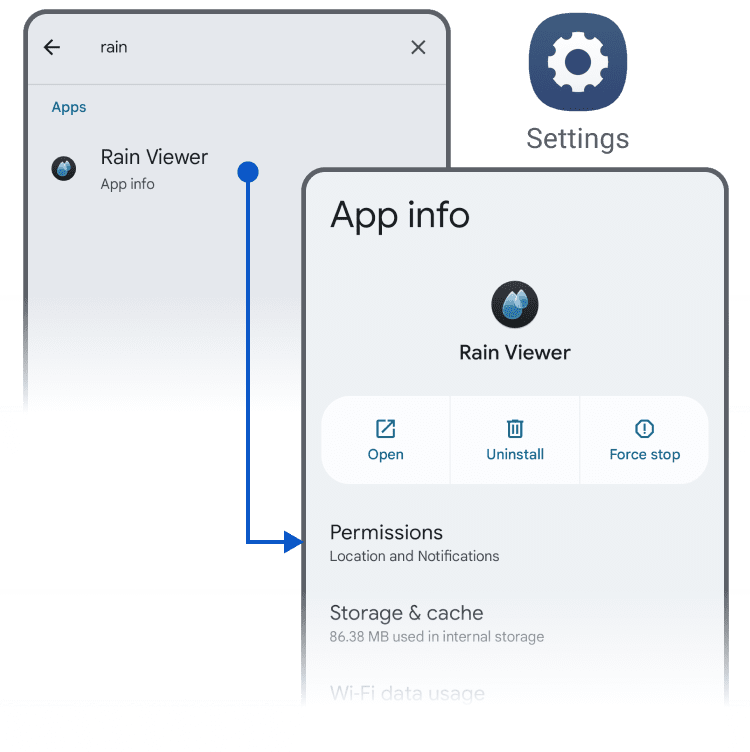
If you didn’t set these permissions during the app’s first launch, you can easily update them later in the app settings.
 RainViewer
