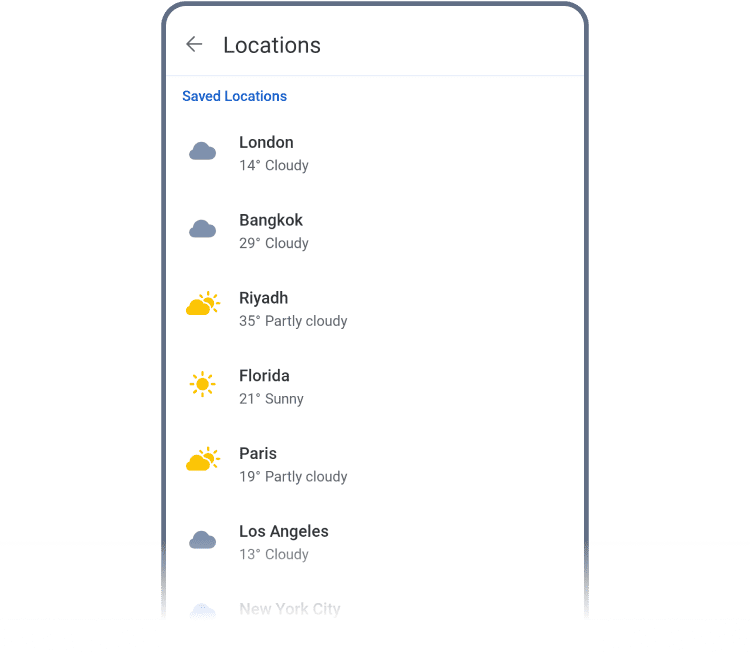
Adding and managing multiple saved locations in RainViewer on Android

Multiple Locations

Add and monitor several locations to track weather conditions beyond your current position. For each one, you can view radar data and receive alerts.

How to Add

There are two ways to add a new location:

  • Long-tap on the map, then hit Add
Long-tap on the map, then hit Add
  • Or tap the “+” icon on the Weather Summary screen to search worldwide
  • Or tap the “+” icon on the Weather Summary screen to search worldwide
    Explore Other Features
    RainViewer logo RainViewer