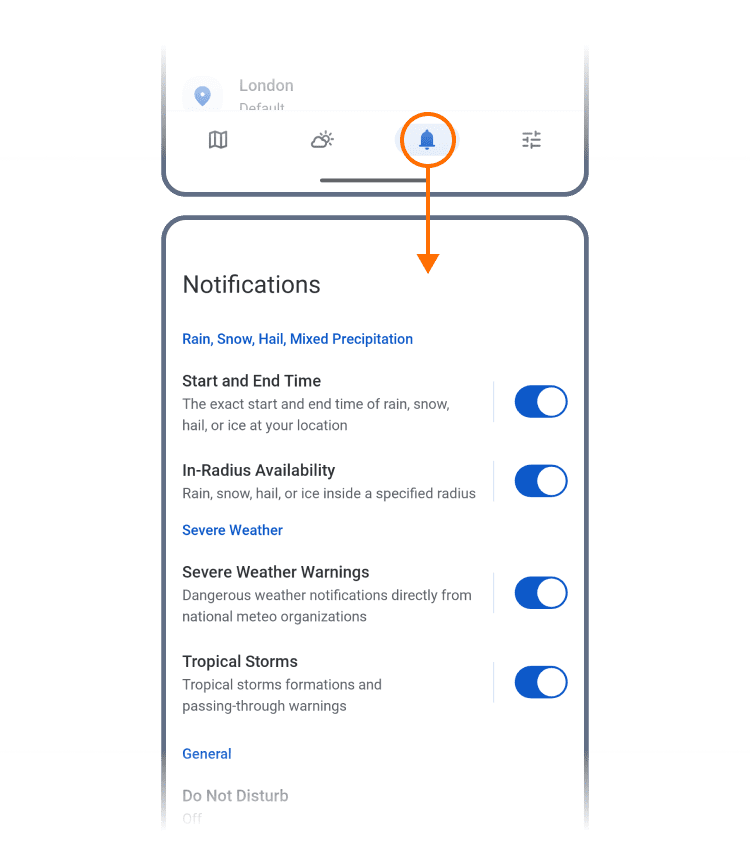
Notification Center
Gain full control over the alerts that matter. Snow, hail, storms? You choose what appears on the screen - and when.
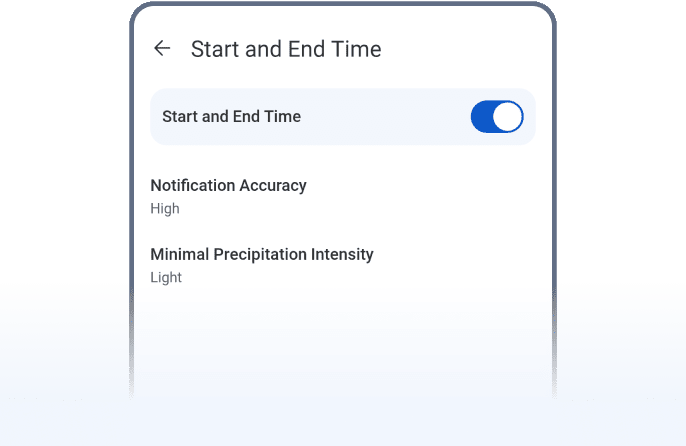
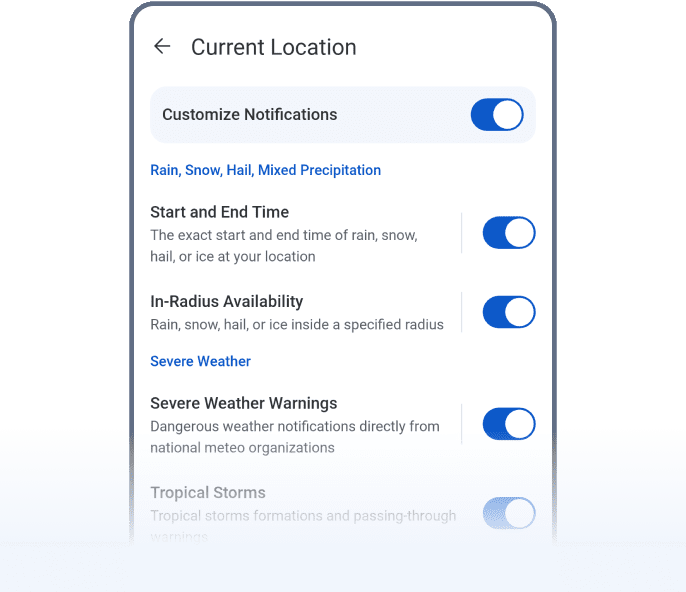
Start and End Time
Know exactly when rain, snow, or hail begins and ends - right at your location. Ideal for timing your journey or hitting the road before things turn slick.
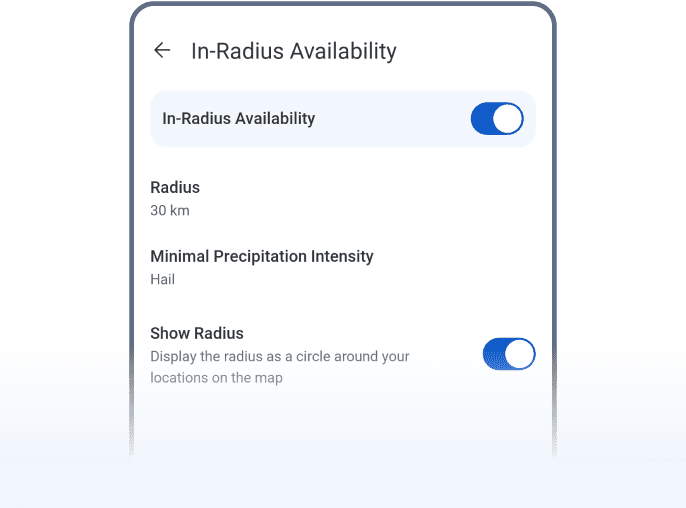
In-Radius Availability
Get alerts when rain, snow, or hail enters your chosen radius to stay ahead of nearby weather before it hits. Set a minimum precipitation intensity to avoid alerts for very light or brief showers.
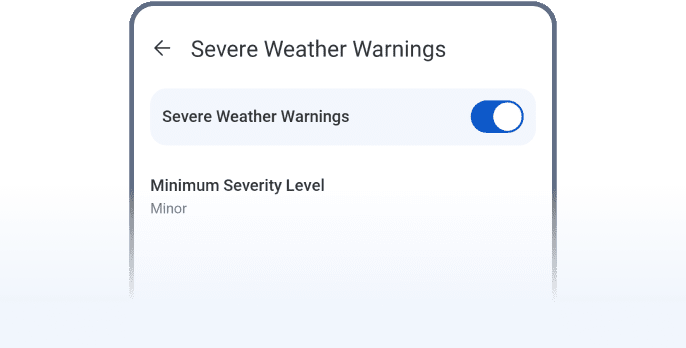
Severe Weather Warnings
Tornadoes, high winds, ice storms - get official warnings straight from the source.
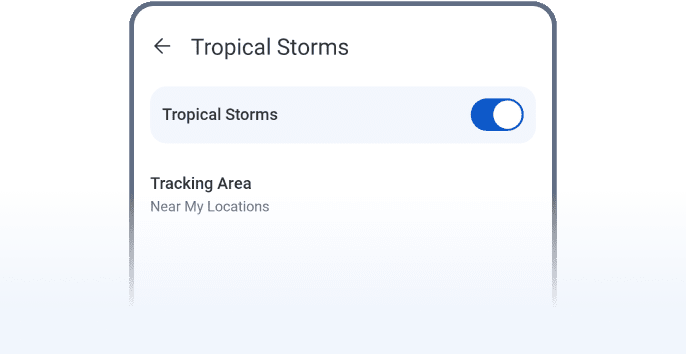
Tropical Storms
Get notified about tropical storm formations and passing warnings in your area. Stay informed during hurricane seasons, especially if you live near the coast.
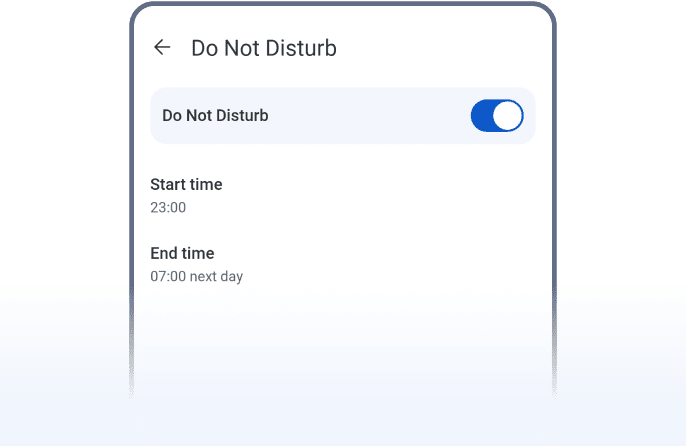
Do Not Disturb
Need quiet time? Pause alerts without losing your setup - ideal for deep focus, sleep, or personal time.
Custom Notifications
Set up alerts for your family’s town, lake house, or travel route. Add the spot, set your alerts, and you’re covered.
 RainViewer
