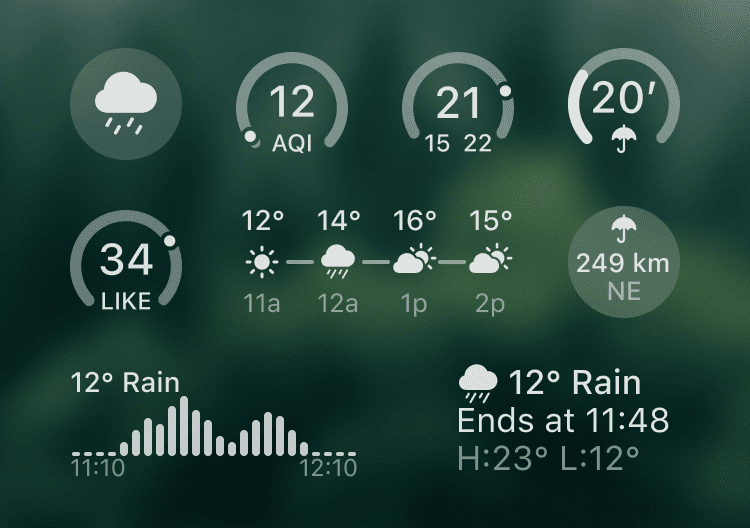
Lock Screen Widgets
Stay informed about the weather without unlocking your device. Choose from many compact widgets, such as current weather, AQI, temperature, precipitation intensity, distance to the nearest rain or snow, and much more.
How to Add
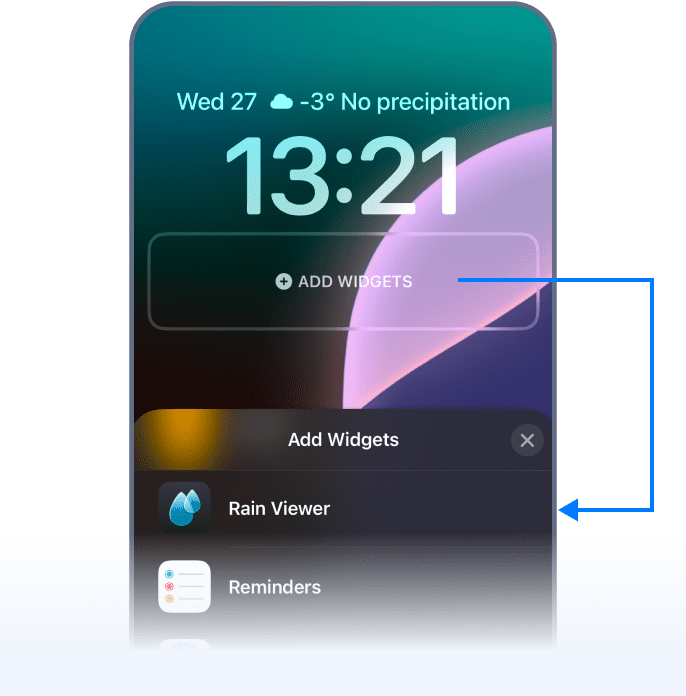
Follow these steps:
- Long-tap the Lock Screen until the Customize button appears.
- Tap Customize and select Lock Screen.
- Tap Add Widgets and find RainViewer in the app list.
- Tap or drag the widgets you want to add.
 RainViewer
