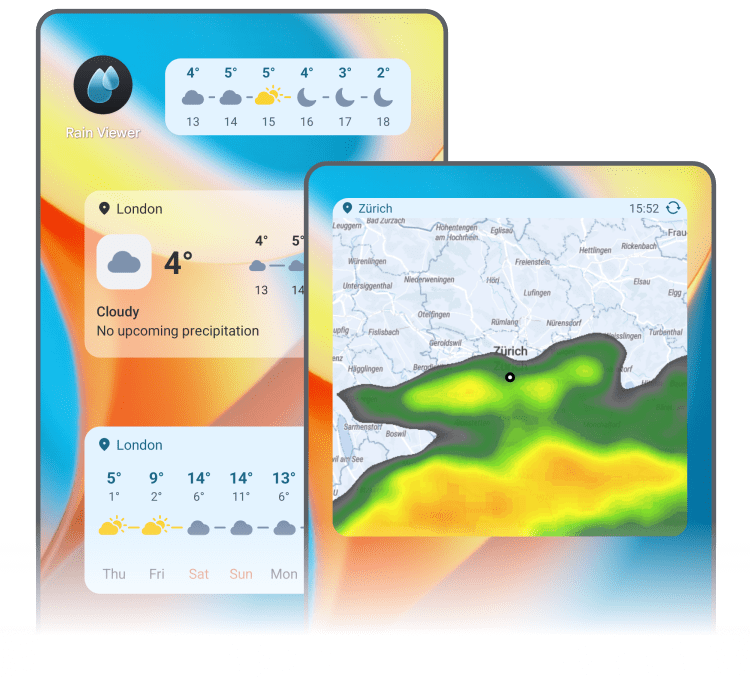
Home Screen Widgets: Overview and Installation
Stay on top of the weather without opening the app. Our widgets include a quick weather summary, hourly and daily forecasts, a live weather map, and more.
Precipitation and Forecast
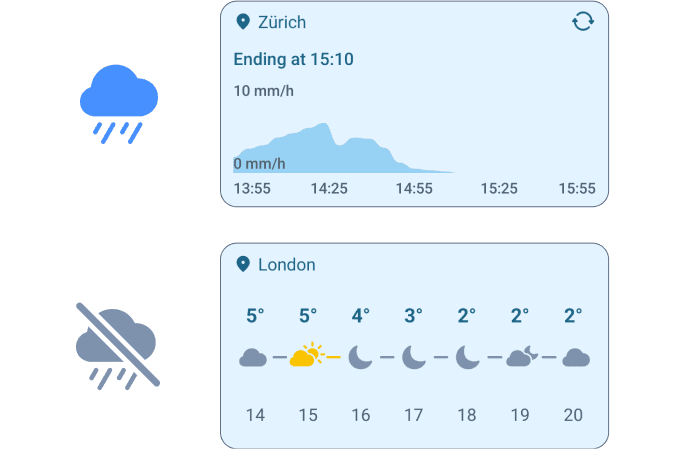
This smart widget shows an hourly forecast when it’s dry outside and switches to a precipitation intensity chart during rain or snow.
How to Add, Resize, and Edit
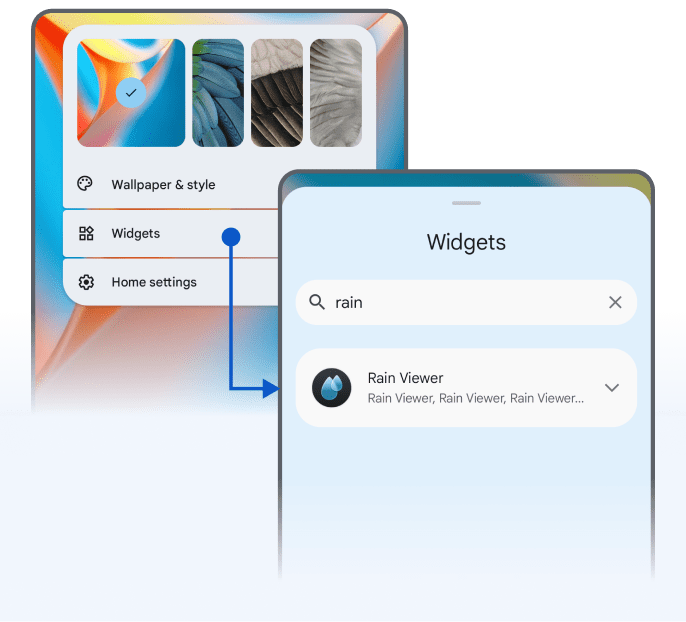
To add a widget from the Home screen:
Track the temperature and conditions for the coming hours across multiple locations. Tap to switch between locations.
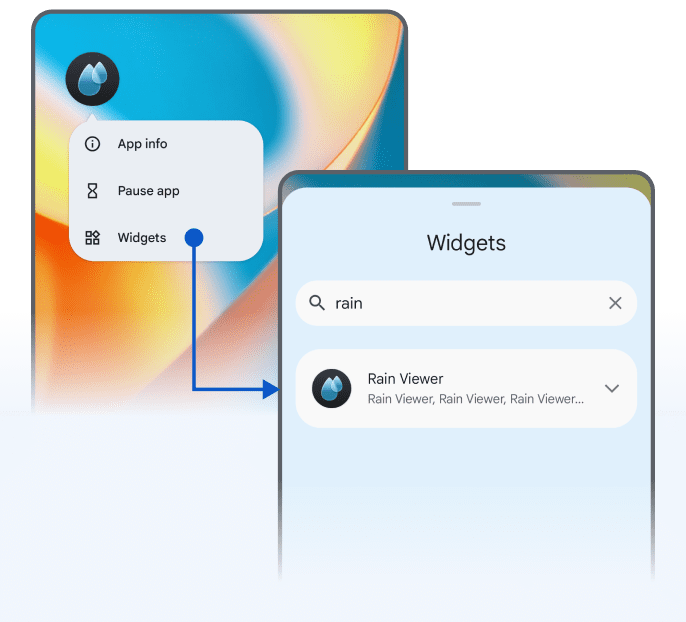
To add a widget from the app icon:
Long-tap an empty area of the Home screen, tap Widgets, and search for “RainViewer”. Choose the widget you want to add.
To resize a widget:
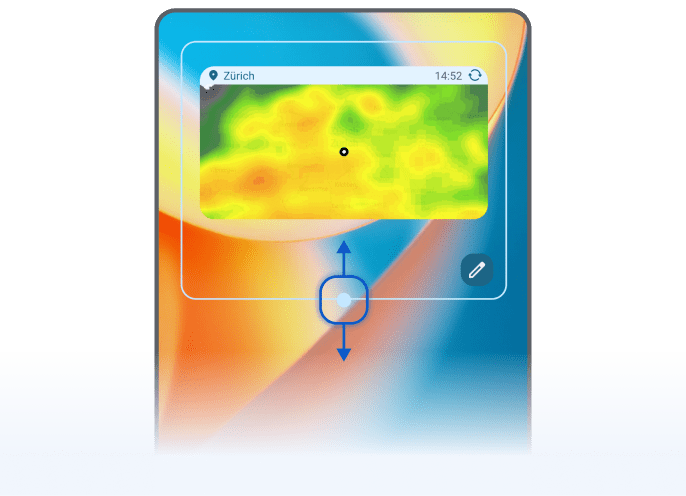
Long-tap the widget until circles appear on the sides. Tap and drag a circle to adjust the size.
To edit a widget:
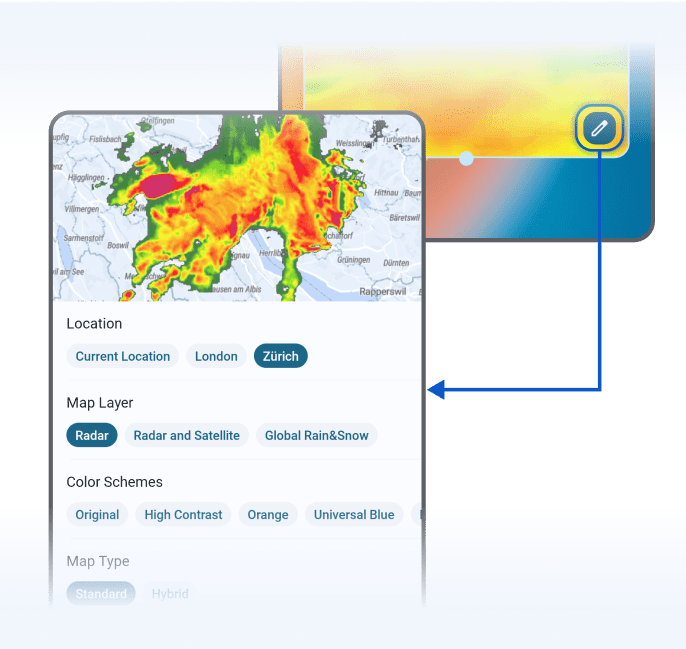
Long-tap the widget, then tap the pencil icon to open the widget options. You can change the location, map layer, map type, and more.
 RainViewer
