Map Layers
Map layers let you explore radar, satellite, and forecast data directly on the map. Use them to track current conditions, see predicted changes up to 72 hours ahead, or review past weather up to 48 hours back.
Core Tools
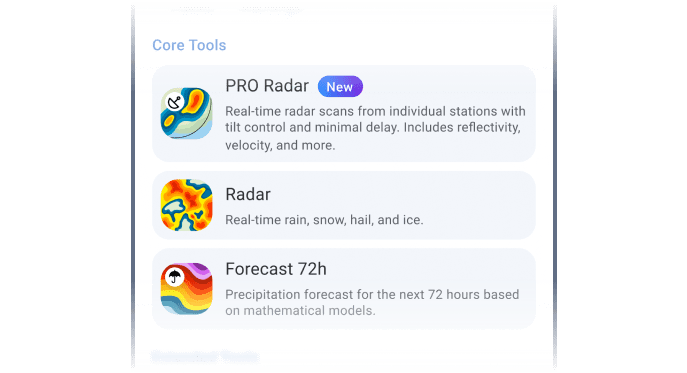
These are your go-to tools for tracking precipitation and short-range weather activity. They provide radar-based insights for monitoring storm movement, forecasting rain or snow, and analysing storm structure with high precision.
- Pro Radar: Real-time, high-resolution scans from local radar stations with minimal delay. Includes velocity, reflectivity, and tilt angle control for detailed vertical analysis. Learn more in our Pro Radar Guide.
- Radar XL: Adds satellite fill-ins to cover radar gaps in remote zones.
- Radar: A composite map of all the radar stations available to us around the world. Pro Radar shows you single radar stations, whilst the Radar layer shows real-time precipitation from all radar stations.
- Forecast 72h: Shows expected precipitation up to 72 hours ahead using global forecast models: ICON, ICON-EU, GFS, and ECMWF.
Extended Tools
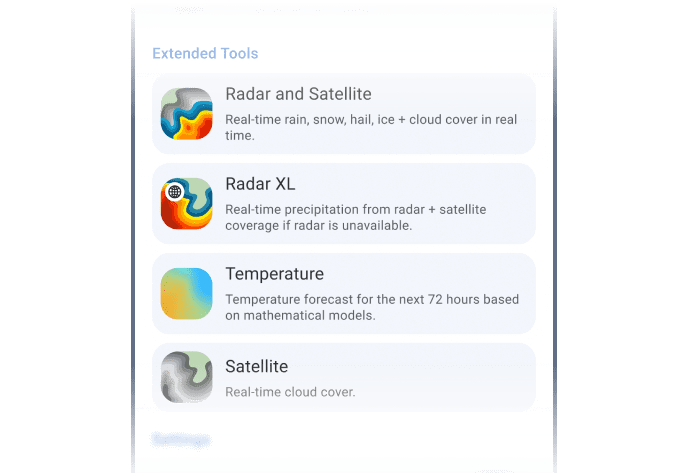
These layers add structural and environmental context to enhance your radar view and fill coverage gaps in remote zones. They also help visualise cloud cover, storm formation, and temperature patterns.
- Radar and Satellite: Blends radar data with cloud imagery, showing how storm structure evolves.
- Radar XL: Adds satellite fill-ins to cover radar gaps in remote zones.
- Temperature: Shows surface temperature forecasts up to 72 hours ahead based on global models (ICON, ICON-EU, GFS, ECMWF), helping identify frontal zones and potential convective areas.
- Satellite: Tracks mid- and upper-level cloud motion, showing where storms are forming before radar sees rain.
How to Switch Between Layers
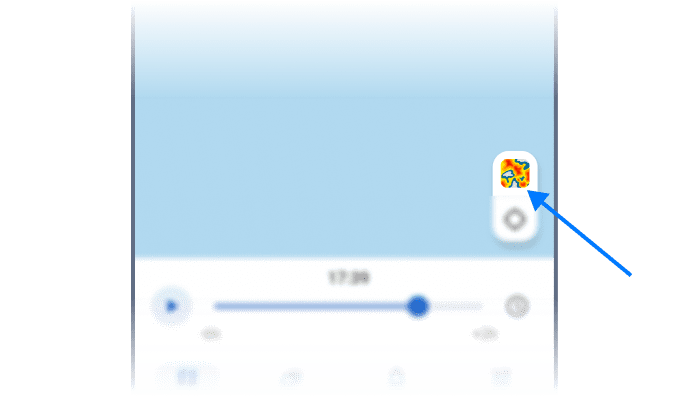
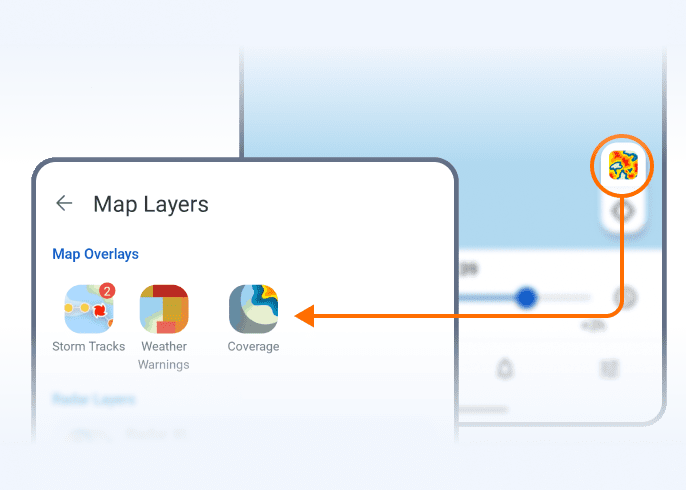
Tap the switcher in the bottom-right corner to explore the layers. Need more context? Add storm tracks, live alerts, or precipitation arrows to customise your view.
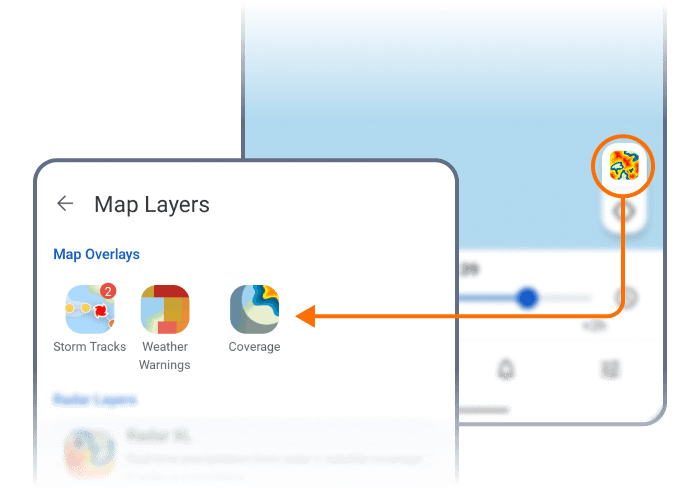
Running multiple views on a stormy day? Turn on “Show Recent Layers on Map” to instantly toggle between layers.
 RainViewer
