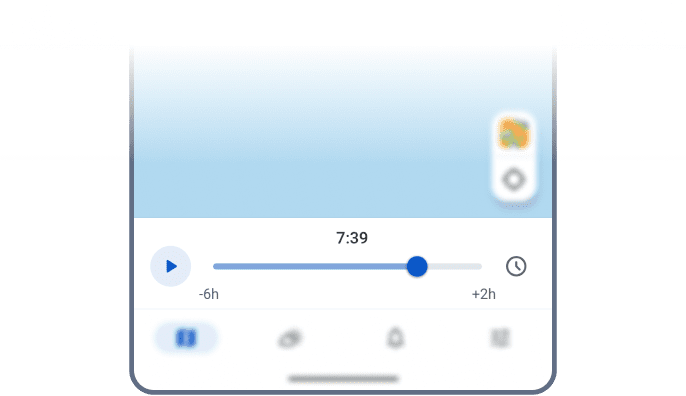
Player
title: “Map Playback Options” description: “Use RainViewer map playback on Android to replay radar from the past 48 hours or preview the next 2 hours, with a Live mode for real-time tracking.” os: android next: tutorial-android categories: [“Map Controls”] weight: 22 icon: player
An animated timeline of storm movement based on the selected map layer. Use the timeline slider to replay data from the past 48 hours or preview the next 2 hours of forecast. Review storm movement, pause at key moments, and compare patterns.
How to Use
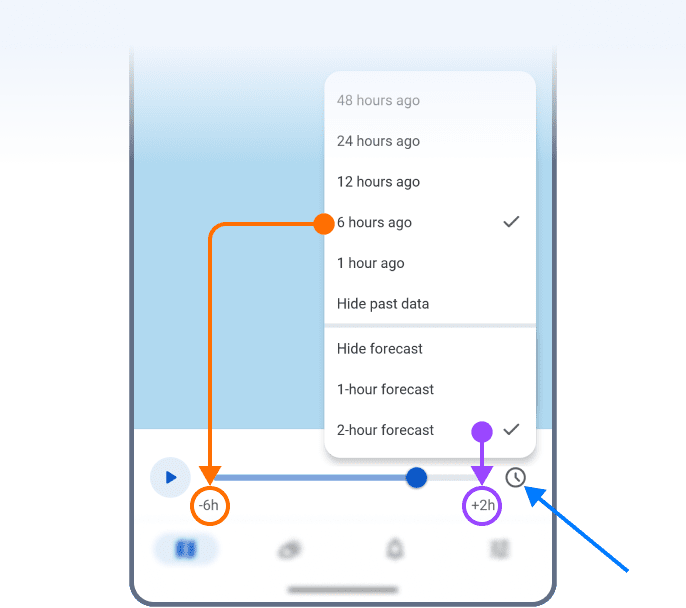
- Tap the clock icon next to the playback slider.
- Choose a timeframe – past, future, or both.
- The slider and timestamps update to match your selection.
- Swipe through the frames or hit Play to watch the storm unfold.
Live Mode
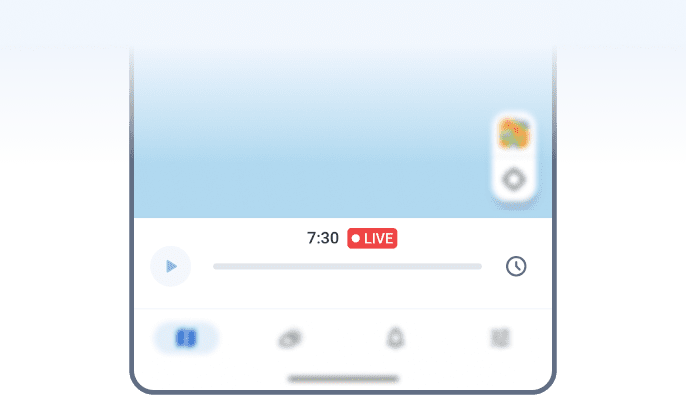
Select both “Hide past data” and “Hide forecast” to activate Live mode. You’ll see the most recent frame, refreshed in real time. Ideal for real-time storm tracking, whether you’re watching or chasing.
 RainViewer
