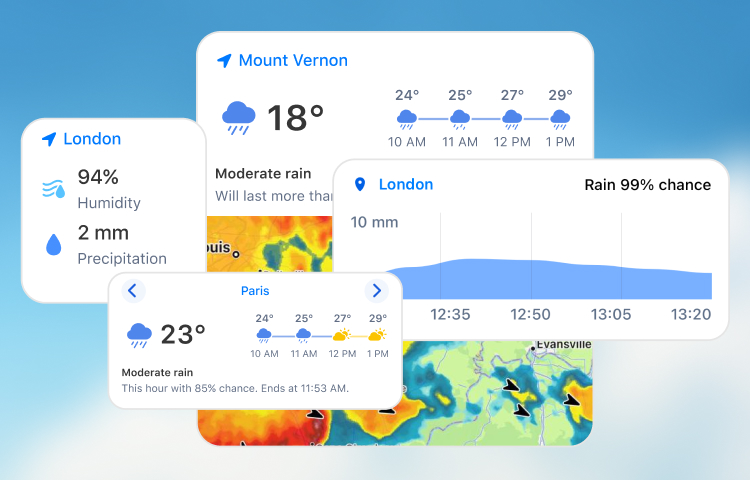
Home Screen Widgets: Overview and Installation
Stay on top of the weather without opening the app. Our widgets include a quick weather summary, hourly and daily forecasts, a live weather map, and more.
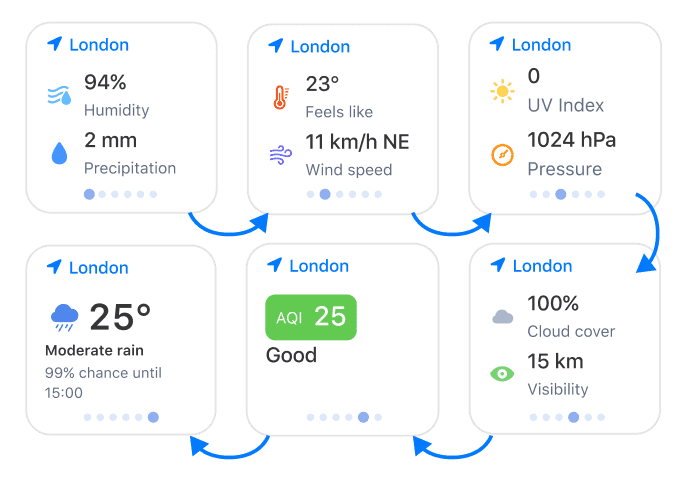
Current Weather
Get an overview of current weather conditions, including temperature, humidity, and air quality. Tap to switch between the weather indicators.
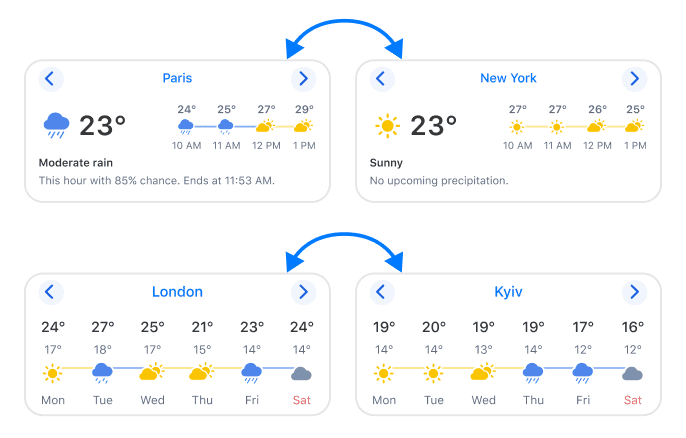
Hourly Forecast
Track the temperature and conditions for the coming hours across multiple locations. Tap to switch between locations.
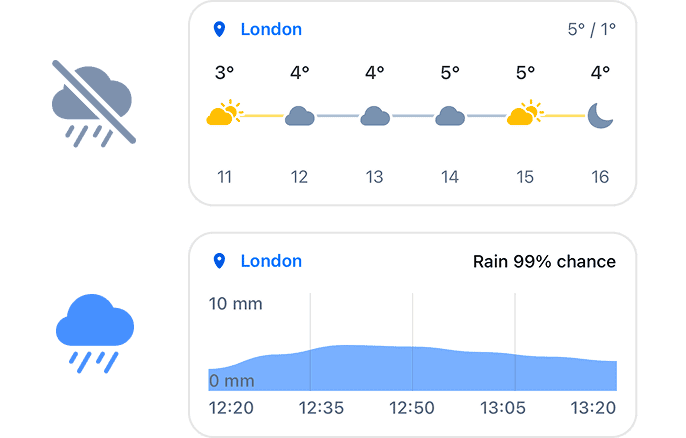
Precipitation and Forecast
This smart widget shows an hourly forecast when it’s dry outside and switches to a precipitation intensity chart during rain or snow.
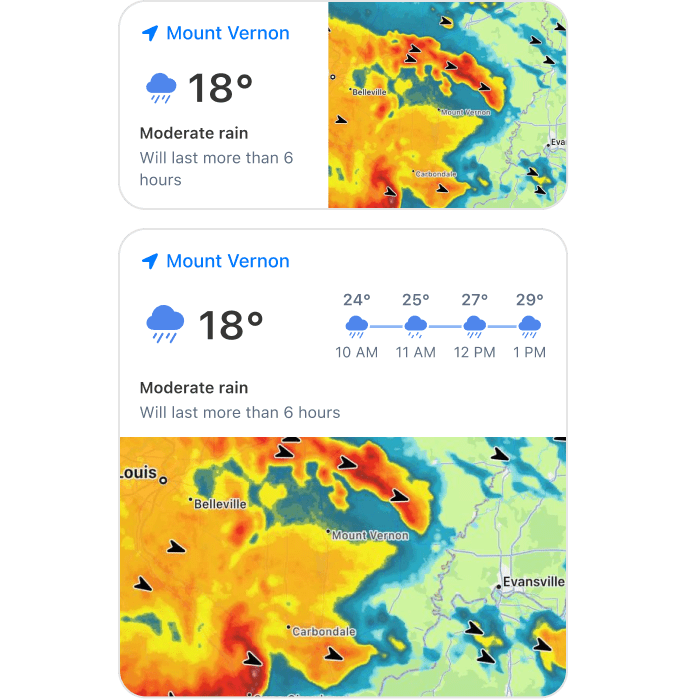
Weather + Radar
Combine a weather summary with a live radar map. Tap the summary or map part of the widget to open the corresponding screen in the app.
How to Add and Edit
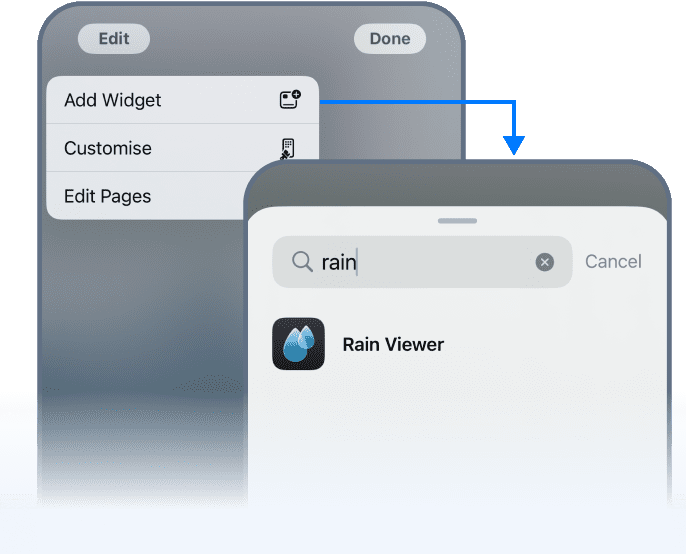
To add a widget:
- Long-tap an empty area of the home screen until the apps jiggle.
- Tap Edit > Add Widget.
- Search for “RainViewer” and choose the widget you want to add.
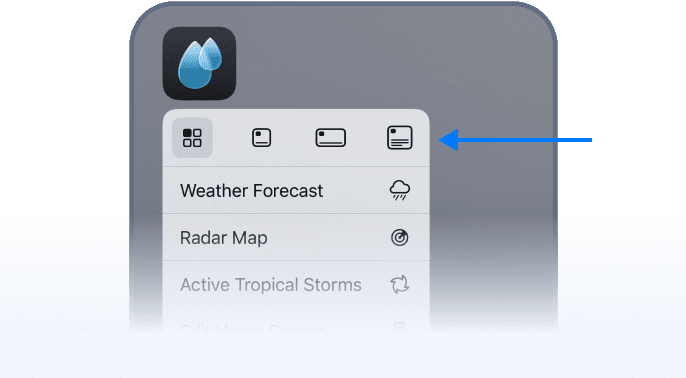
For iOS 18 users:
On iOS 18, you can turn the RainViewer app icon into a widget. Tap and hold the icon, then select your preferred widget layout.
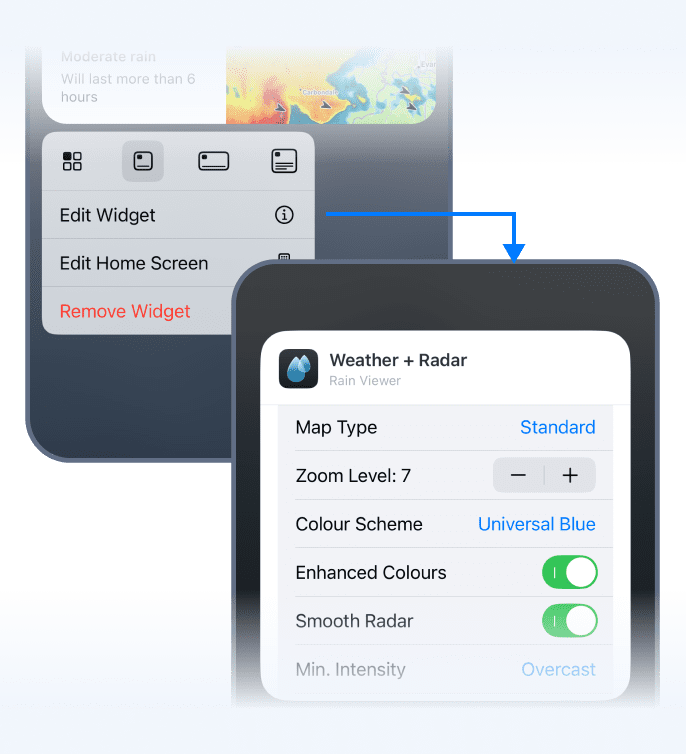
To edit a widget:
You can edit any widget that includes a weather map. Long-tap the widget and choose Edit Widget to change the location, map layer, map type, and more.
 RainViewer
