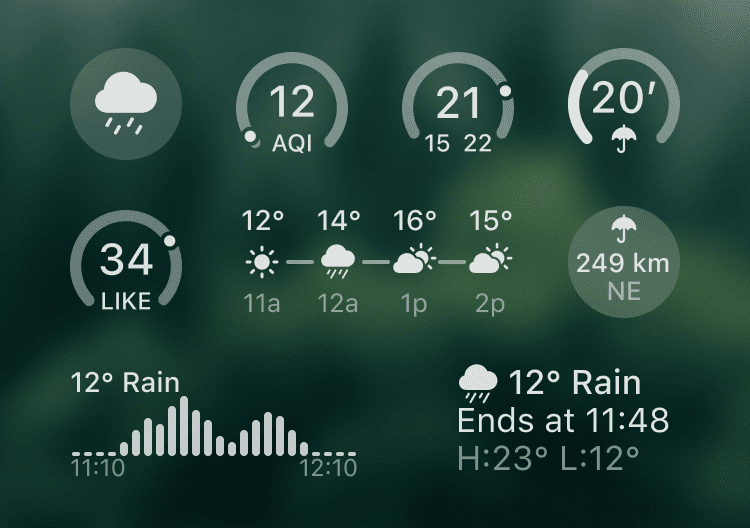
Lock Screen Widgets
Stay on top of the weather without unlocking your device. Choose from a range of compact widgets, including current weather, AQI, temperature, precipitation intensity, distance to the nearest rain or snow, and much more.
How to Add
Follow these steps:
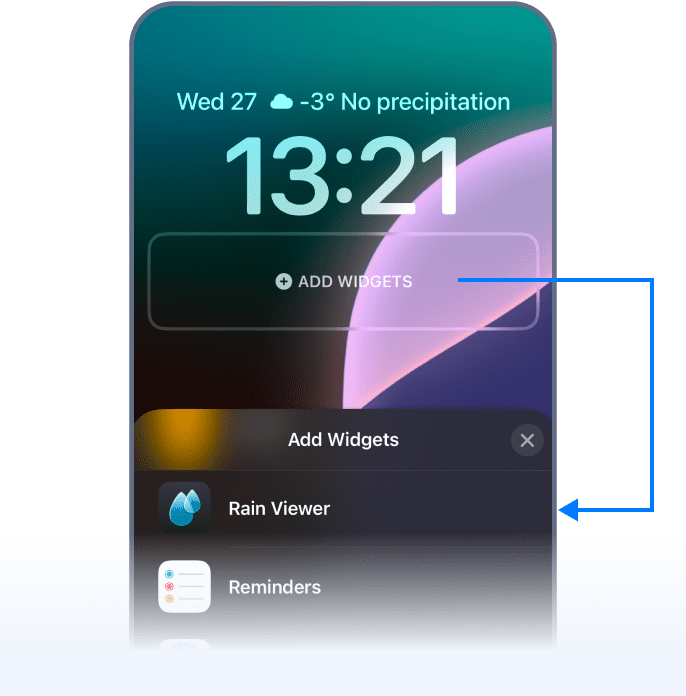
- Long-tap the Lock Screen until the Customise button appears.
- Tap Customise and select Lock Screen.
- Tap Add Widgets and find RainViewer in the app list.
- Tap or drag the widgets you want to add.
 RainViewer
